Smart devices are easy to buy and surprisingly hard to set up well. The box says “ten minute install.” Then the Wi-Fi does not reach the front door, the app wants an account that will not verify, and the device works alone but not with anything else. A little planning avoids most of it.
Start with a goal, not a gadget
Pick the problem you want to solve first:
- Security and packages: a video doorbell and one or two cameras.
- Comfort and the power bill: a smart thermostat, which matters in a Houston summer.
- Convenience: smart lighting, plugs and a voice assistant.
- Access: a smart lock, useful if family, cleaners or guests need entry at different times.
The devices that usually pay off first
Video doorbell
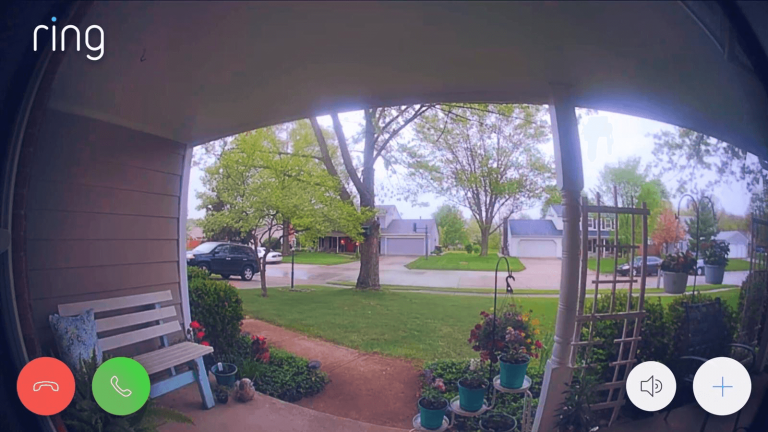
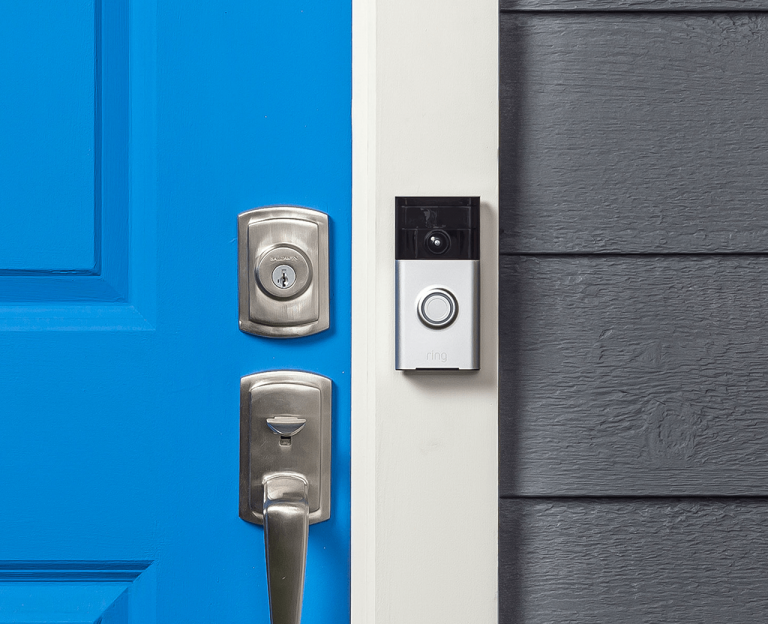
For most homes this is the first device worth buying. You see who is at the door and can talk to them from your phone. Our Ring installation guide covers what the install involves.
Smart thermostat
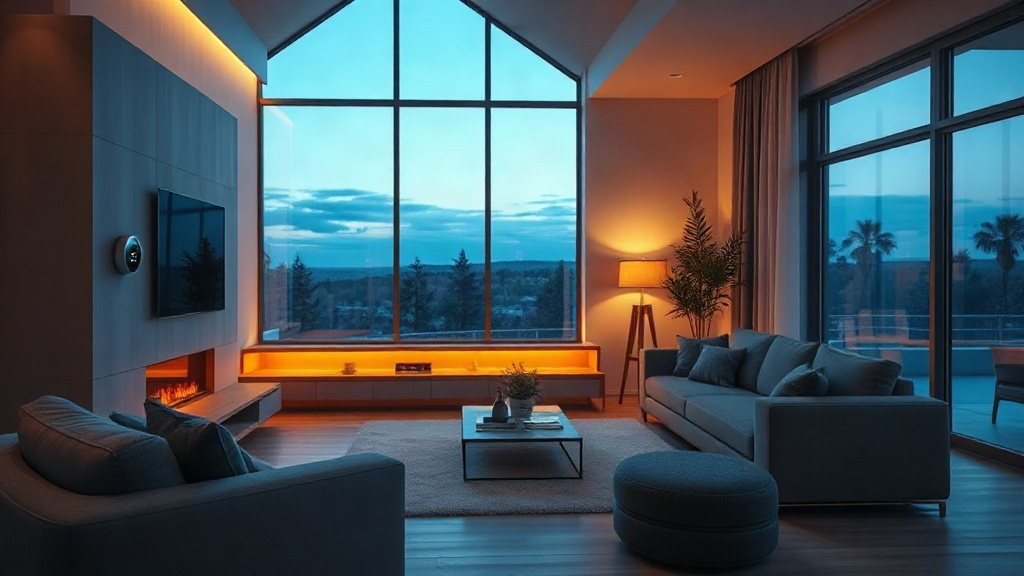
A thermostat you can schedule and control from your phone is one of the simplest ways to avoid cooling an empty house all day. Check that your system is compatible before you buy, since wiring varies.
Smart lighting and plugs
These are cheap, low risk and easy to undo. Schedules and scenes make a house feel lived in when you are away.
Smart locks
Keyless entry is convenient, especially for rentals and shared access. Codes can be added and removed without handing out keys. It is worth having the lock installed and tested properly so the bolt lines up with the strike plate.
What causes most problems
- Weak Wi-Fi where the device goes. The front door and the back yard are the usual dead zones. Test the signal there before you mount anything.
- Mixing ecosystems. Devices that do not talk to each other leave you with five apps. Choose products that work with the assistant you already use.
- Wiring surprises. Doorbell and thermostat wiring in older homes is often different from the diagram in the manual. Turn the power off at the breaker before you touch anything.
- No routine. A smart home is only useful if the devices do something together. Set up a few simple routines, such as lights on at sunset or doors locked at night.
DIY or hire it out?
If you are comfortable with an app and a screwdriver, a plug or a bulb is a good first project. For wired doorbells, thermostats, locks and outdoor cameras, the mounting, wiring and tuning is where time disappears. A professional install means the device is mounted, powered, connected and shown to you the same day.
AdmirD installs and configures smart home devices in Houston, including doorbells, cameras, locks, thermostats, voice assistants and lighting. We consult first, install, configure the apps and routines, and then show you how to use it all.
Need a hand? Call 281-994-9929 or send us a message. The phone line is open 24×7.