Here is what a Ring doorbell installation actually involves, step by step. It is useful whether you plan to do it yourself or want to know what a professional is doing when they are at your door.
Before you start
- Charge the doorbell first. Connect the included micro USB cable to a power source until the blue light on the front is fully lit.
- Download the Ring app and create your account.
- Check the Wi-Fi signal at your front door with your phone.
- If you are using existing wiring, turn off the doorbell circuit at the breaker before you touch any wire.
Step 1: Remove the old doorbell
Take off the old button and look at what is behind it. If there are two wires, you can install the Ring wired. If not, you will use the battery.
Step 2: Connect the wires (wired installs only)
Thread the two wires through the Ring baseplate and secure them to the screws. If you have a digital doorbell chime, you also need to install the included diode across those two screws. For a battery install you can skip this step.
Step 3: Mount the baseplate
Use the included level and mark the screw holes. Drive screws through the four holes in the baseplate and into the frame. If the surface is brick, stucco or concrete, drill and use the plastic anchors that come in the box. A baseplate that is not straight makes the doorbell hard to snap on later.
Step 4: Set up in the app
When the doorbell is charged, the app walks you through the setup. You will add your home’s location, the doorbell’s location and your preferences for alerts and motion.
Step 5: Attach the doorbell
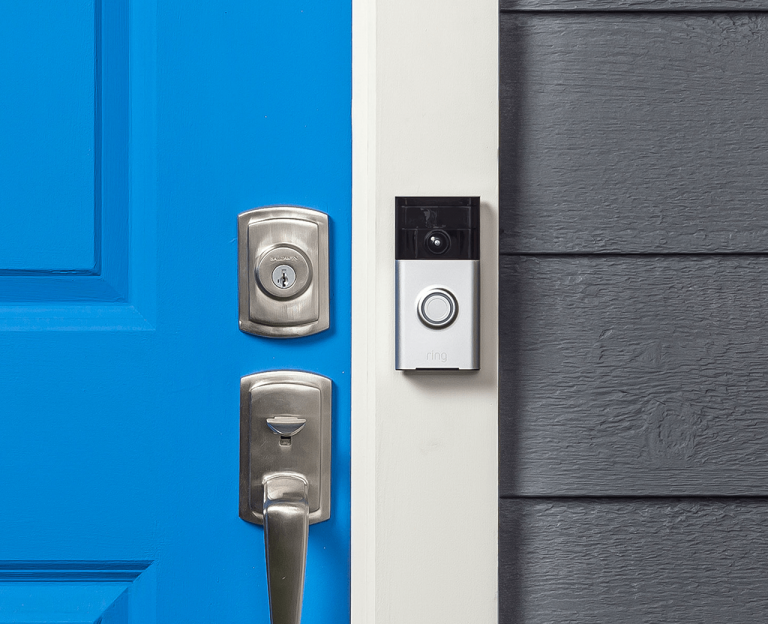
Slide the doorbell over the baseplate until it latches, then tighten the two security screws at the bottom.
Step 6: Test it
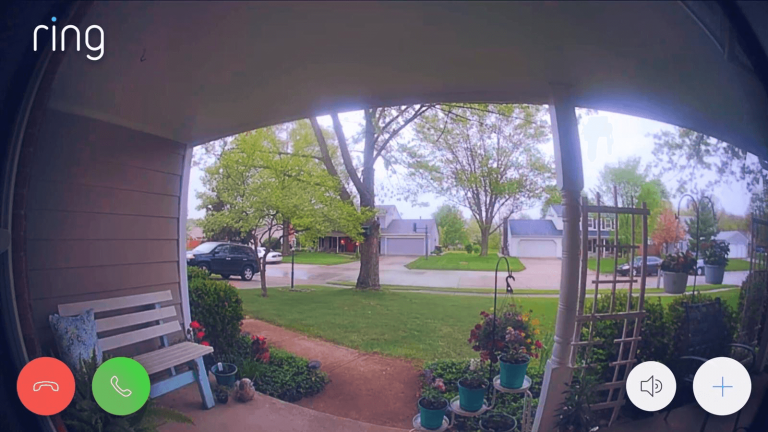
Check video quality and the speed of alerts. If the picture lags or drops, move the router closer to the front door or add a Wi-Fi extender. Walk through the motion zones and trim them so passing cars do not set off alerts all day.
Adding a camera
For a Ring camera, the steps are similar: mount the bracket, power or charge the camera, add it in the app and set the motion zones. Mount cameras high enough to be out of reach and angled to cover the area you care about, such as a driveway, side gate or back door.
When to call a professional
If the wiring is not what the manual shows, the wall is brick or stucco, or the signal at the door is poor, a professional install saves time. We handle the mounting, wiring, Wi-Fi and app setup, and walk you through using it. See Ring installation in Houston, or read about where DIY installs go wrong.
Need a hand? Call 281-994-9929 or send us a message. The phone line is open 24×7.